
How we chose
Detailed methodology
We compared current Australian student laptops across course compatibility, everyday performance, battery endurance, portability, keyboard and trackpad quality, webcam experience, memory, storage, ports, warranty, exact-model availability and normal-market value. Manufacturer claims, independent professional testing, retailer information, education pricing and owner evidence remain separate. Worth Buying scores are editorial judgements, not blended customer ratings.
Serious contenders and alternatives
Microsoft Surface Laptop 13: is the best Windows ARM portability alternative in its 16GB / 512GB configuration. It is light, well built and long lasting, but specialist software and driver compatibility still need checking and current Australian pricing is high beside the Acer.
HP OmniBook 5 14 Snapdragon: combines strong battery endurance with an OLED display and good everyday productivity. ARM compatibility and exact Australian SKU clarity keep it outside the formal three.
ASUS Zenbook A14 UX3407: is a very light premium Windows ARM option with OLED and excellent portability. Course compatibility and premium local pricing weaken its universal student case.
Lenovo IdeaPad Slim 5 14 Gen 10 AMD: is a strong x86 Windows alternative with Ryzen AI 5 340, useful ports and sensible pricing. Some Australian configurations have modest display brightness and colour coverage, with only a one-year warranty.
Chromebooks: can be excellent for browser-first school work and managed Google Workspace environments. They are not formal picks because the broader university and TAFE audience may require Windows or macOS desktop applications and development tools.
Apple MacBook Air 13-inch with M5 — 16GB / 512GB
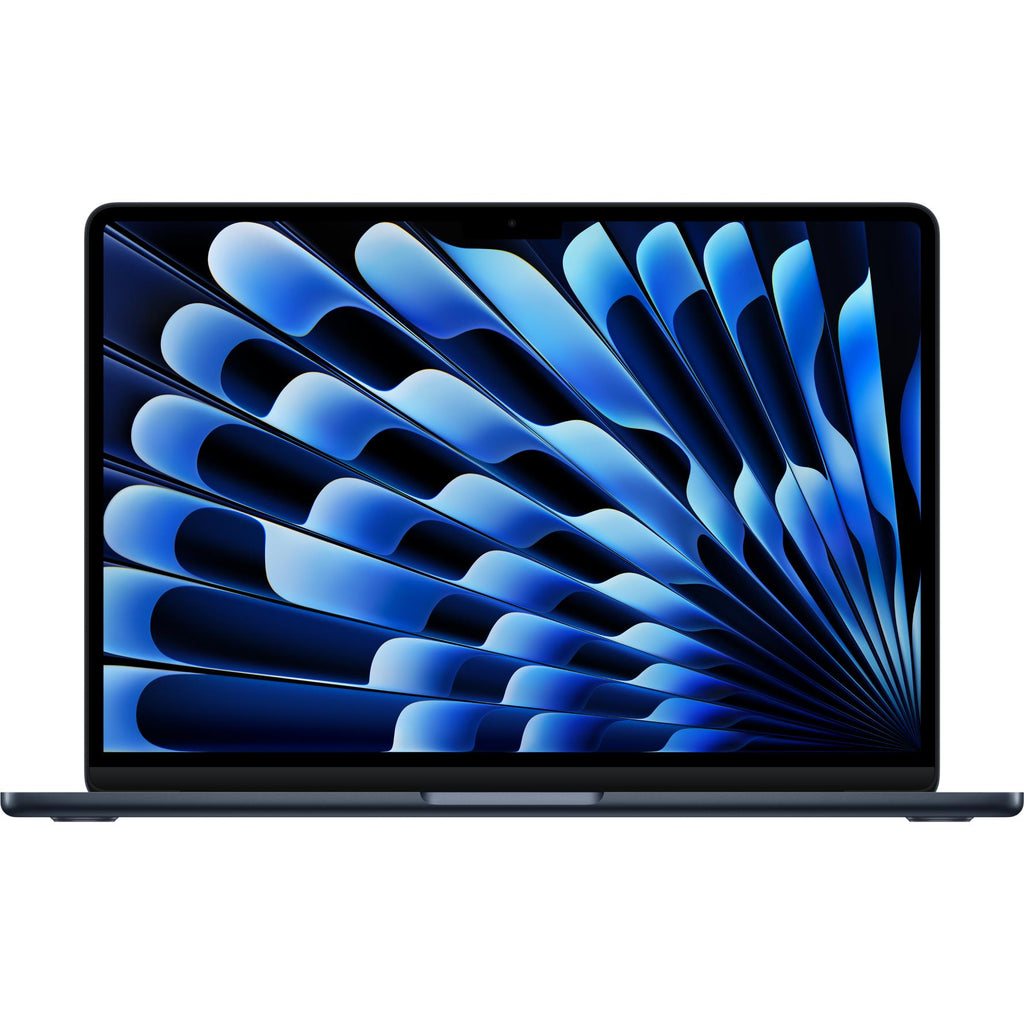
Exact current 13-inch M5 generation shown. The recommendation is specifically the 10-core CPU, 8-core GPU, 16GB memory and 512GB SSD configuration.
The locked configuration uses Apple's M5 with a 10-core CPU, 8-core GPU and 16-core Neural Engine, plus 16GB unified memory and a 512GB SSD. The 13.6-inch 2560 × 1664 display reaches 500 nits and supports P3 colour, while the chassis weighs 1.23kg.
Extended product analysis
Independent exact-generation testing supports more than 13 hours of light web browsing, while Apple's separate maximum claims are up to 15 hours wireless web and 18 hours video streaming. Test methods differ, so those numbers should not be compared as one league table.
The keyboard, Force Touch trackpad, 12MP Center Stage camera and fanless design make long study days comfortable. Wi-Fi 7, Bluetooth 6 and support for up to two external displays improve longevity, although only two Thunderbolt 4 ports means many students will need an adapter.
Compatibility context
macOS is excellent for mainstream study, coding and light creative work, but it is not universal. Verify Windows-only applications, virtualisation rules and specialist peripherals before buying.
Pros
- Excellent battery endurance
- Strong M5 performance
- 1.23kg and fanless
- 16GB / 512GB baseline
- Excellent keyboard and trackpad
- Strong webcam and display
Cons
- Premium mainstream price
- Only two general-purpose ports
- 60Hz display
- No memory or storage upgrades
- macOS may not suit specialist courses
Acer Aspire 14 AI A14-61M-R2LH — NX.JL1SA.001
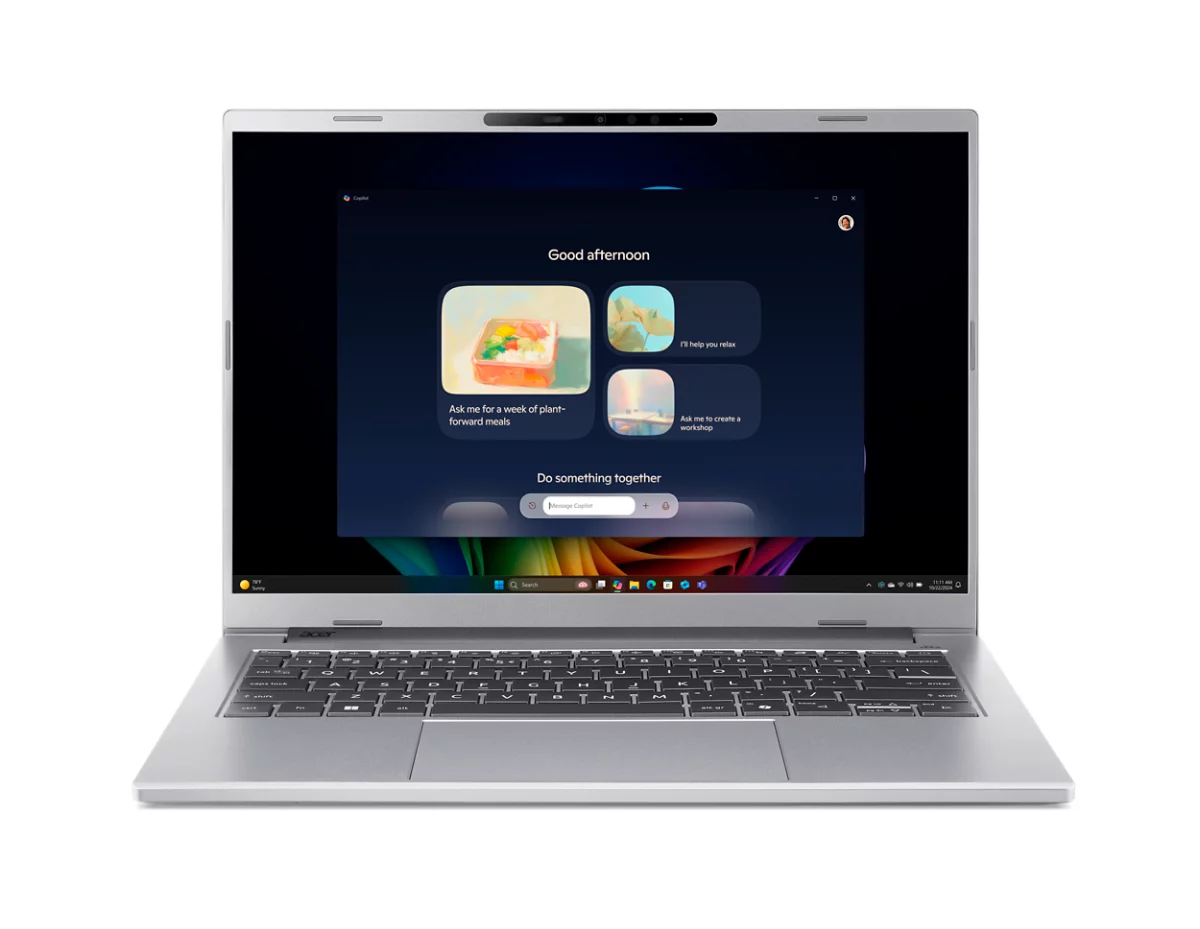
Exact Australian part NX.JL1SA.001 shown: Ryzen AI 5 340, 16GB memory and 512GB SSD.
This exact Windows 11 Home configuration combines the AMD Ryzen AI 5 340 with 16GB memory and a 512GB PCIe NVMe SSD. Its 14-inch 1920 × 1200 display uses a taller 16:10 aspect and 120Hz refresh, while the 65Wh battery sits in a roughly 1.25–1.27kg chassis.
Extended product analysis
Two USB4 ports, USB-A, HDMI, microSD and audio connectivity reduce dongle dependence. A backlit keyboard and physical webcam privacy shutter are practical advantages for classes, libraries and video calls.
The value case is especially strong at current Officeworks street pricing, but the award is not tied to that temporary figure. It remains a sensible midrange configuration; if pricing returns fully to Acer's higher direct level while stronger competitors are discounted, Q2 should reassess it.
Evidence context
Acer and Officeworks establish exact Australian identity and specifications. CHOICE publicly confirms testing this exact model, but member-only verdict details are not reproduced or inferred.
Pros
- Broad x86 Windows compatibility
- 16GB / 512GB configuration
- Low weight
- 120Hz 16:10 display
- USB4, USB-A, HDMI and microSD
- Strong current Australian value
Cons
- Only one-year standard warranty
- Display is functional, not premium
- Integrated graphics are not for serious gaming
- Exact-model professional evidence is shallower
Apple MacBook Neo with A18 Pro — 8GB / 256GB
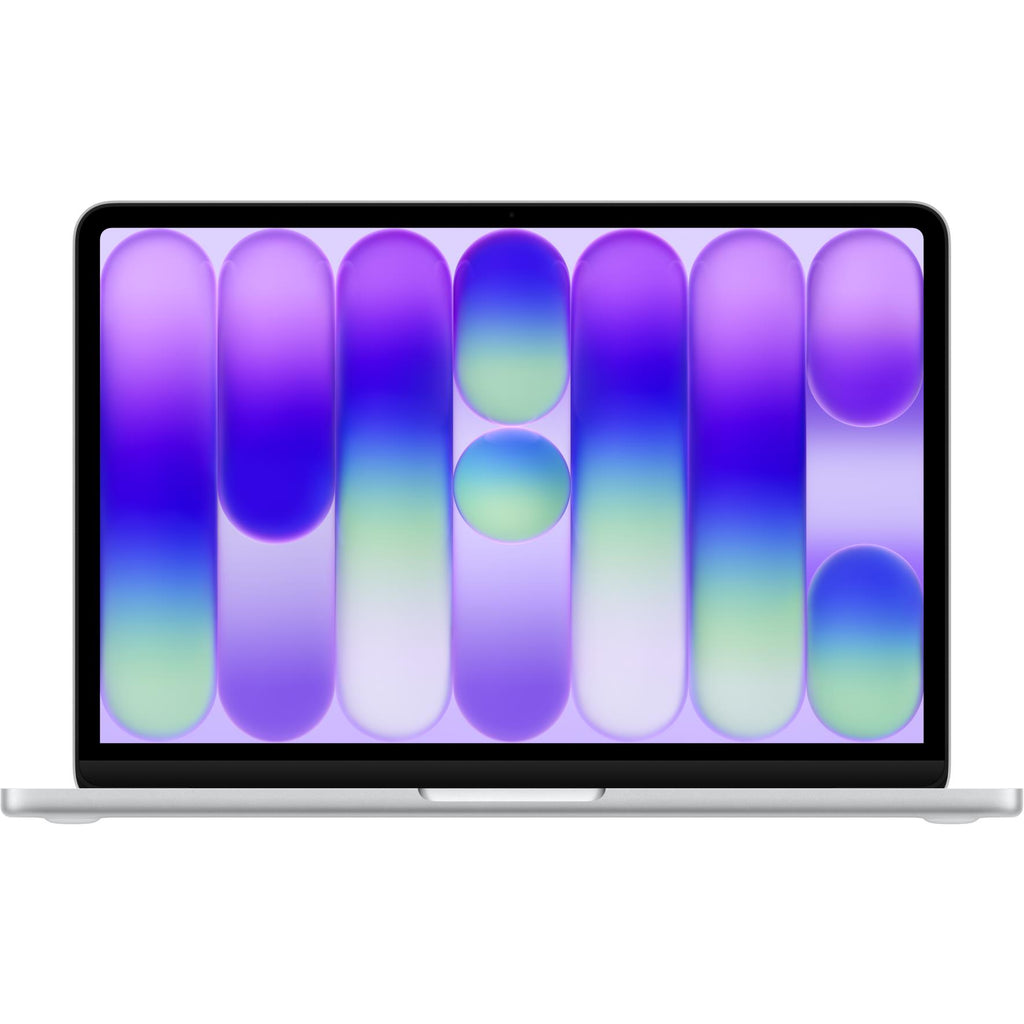
Exact current MacBook Neo A18 Pro generation shown. The formal budget recommendation is the base 8GB / 256GB configuration.
The 13-inch Neo uses Apple's A18 Pro with a 6-core CPU, 5-core GPU and 16-core Neural Engine. Its fixed 8GB unified memory and 256GB SSD suit browser-first study, Microsoft 365 for Mac, Google Workspace, video calls and lighter coding better than heavy local projects.
Extended product analysis
The 2408 × 1506 Liquid Retina display reaches 500 nits and the aluminium chassis weighs 1.23kg. Apple's separate maximum figures are up to 11 hours wireless web and 16 hours video streaming; current professional evidence supports normal school or work-day use rather than unlimited heavy workloads.
The base configuration has one USB 3 USB-C port and one USB 2 USB-C port, supports one external display up to 4K 60Hz, and omits keyboard backlighting and Touch ID. Those are material differences from MacBook Air, not footnotes.
Longevity context
8GB memory and 256GB storage are fixed. Buyers with large creative projects, virtual machines, datasets or long ownership under growing workloads should choose more capacity or another model.
Pros
- Excellent budget-class build
- Sharp 500-nit display
- 1.23kg and fanless
- Capable everyday A18 Pro performance
- Good webcam and typical-day battery
- Full macOS experience
Cons
- Fixed 8GB memory
- Only 256GB base storage
- Basic USB connectivity
- No base-model keyboard backlight or Touch ID
- macOS course compatibility must be checked
Student laptop buying advice
Buying advice
Start with course software, not the badge
Check the institution's published hardware and operating-system requirements before comparing battery or design. Engineering, architecture, CAD, 3D, advanced media, scientific applications, virtualisation and specialist peripherals can narrow the choice immediately.
16GB is the safer default—not a universal minimum
For Windows multitasking, heavy browser use, Teams, coding and longer ownership, 16GB is the safer 2026 target. MacBook Neo's 8GB can handle ordinary macOS student work, but its fixed ceiling is a real longevity compromise.
512GB gives more breathing room
512GB is the stronger general-purpose capacity for several years of ownership. A 256GB drive can work for browser-first and cloud-storage users, but large media, datasets, virtual machines and creative projects consume it quickly.
Ports change day-to-day cost
The Acer includes USB4, USB-A, HDMI and microSD, making it easier to connect classroom displays and older peripherals. MacBook Air and Neo may require adapters, which should be included in the ownership budget.
Battery claims use different tests
Do not compare maximum manufacturer video-playback figures as if they use the same workload. Independent testing is more useful when available; screen brightness, browser load, video calls and wireless conditions can all change actual endurance.
Buy enough fixed hardware now
MacBook Air and MacBook Neo memory and storage cannot be upgraded after purchase. Do not assume the Acer is user-upgradeable without exact service documentation. Capacity chosen at checkout may need to last the machine's full useful life.
Which student laptop should you buy?
Buy the MacBook Air M5 for the best all-round experience where macOS is compatible. Buy the Acer Aspire 14 AI for broad Windows software compatibility, useful ports and strong value. Buy the MacBook Neo for light everyday study on a strict budget when its fixed 8GB / 256GB limits are acceptable.
Frequently asked questions
Is a MacBook suitable for every university course?
No. Many general courses work well on macOS, but engineering, CAD, specialist scientific software, Windows-only applications, virtualisation and some peripherals may require a Windows laptop. Check the exact course requirements.
How much RAM does a student laptop need in 2026?
16GB is the safer general default for multitasking, coding and longer ownership. Fixed 8GB can remain workable for lighter browser-first and ordinary macOS study, but provides less headroom.
Is 256GB enough storage for a student?
It can be enough for browser-first study, cloud storage and lighter local files. Creative projects, datasets, virtual machines and local media make 512GB or more a safer choice.
Should students buy Windows or macOS?
Choose the operating system that supports required course software. Conventional x86 Windows offers the broadest familiar compatibility; macOS can provide an excellent study experience where course applications support it.
Are Windows ARM laptops suitable for students?
They can be excellent for compatible everyday apps and battery life, but students should verify legacy applications, specialist drivers and required peripherals before buying.
Is a Chromebook good for school or university?
It can be excellent for browser-first school work and managed Google environments. It is less suitable when required Windows or macOS desktop applications, development tools or specialist software are unavailable.
Are education discounts included in the scores?
No. Education prices may improve value for eligible buyers, but the recommendations are intended to remain rational at normal market pricing.